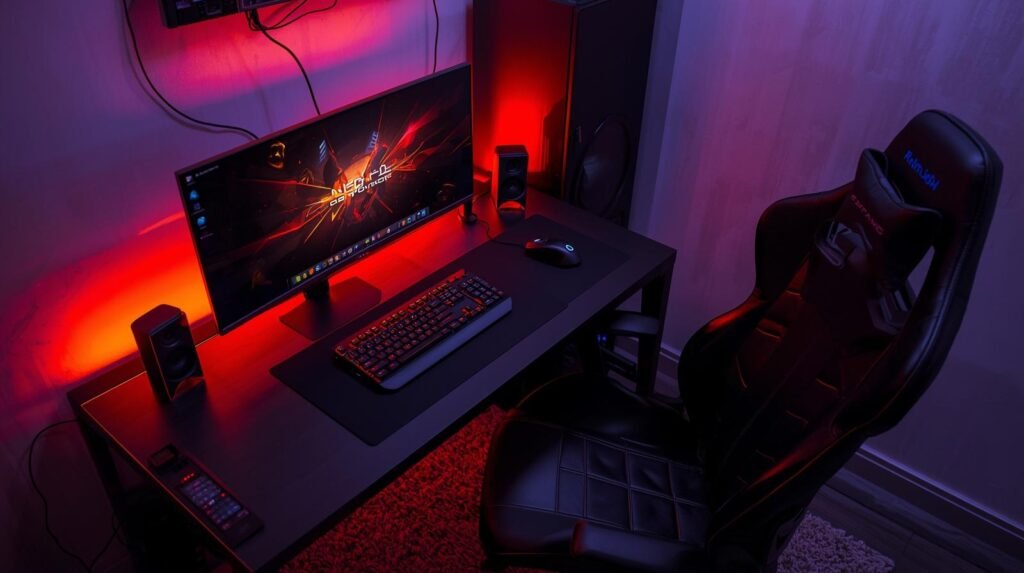
Having a small room does not mean you cannot create a comfortable gaming setup.
A good gaming space is not always about having the biggest desk or the most expensive equipment. With the right layout, smart accessories, and better organization, even a limited space can become a place where you enjoy gaming, working, and relaxing.
Whether you play on a gaming PC, laptop, PlayStation, Xbox, or Nintendo Switch, these ideas can help you build a setup that fits your room.
1. Choose the Right Desk Size
The desk is the foundation of any gaming setup.
For smaller rooms, a compact desk can help you save space while still providing enough room for your essential gear.
Things to consider:
- Desk width
- Cable management space
- Monitor placement
- Keyboard and mouse area
- Storage options
A simple and clean desk often feels better than a crowded setup with too many items.
2. Use a Monitor Arm to Save Desk Space
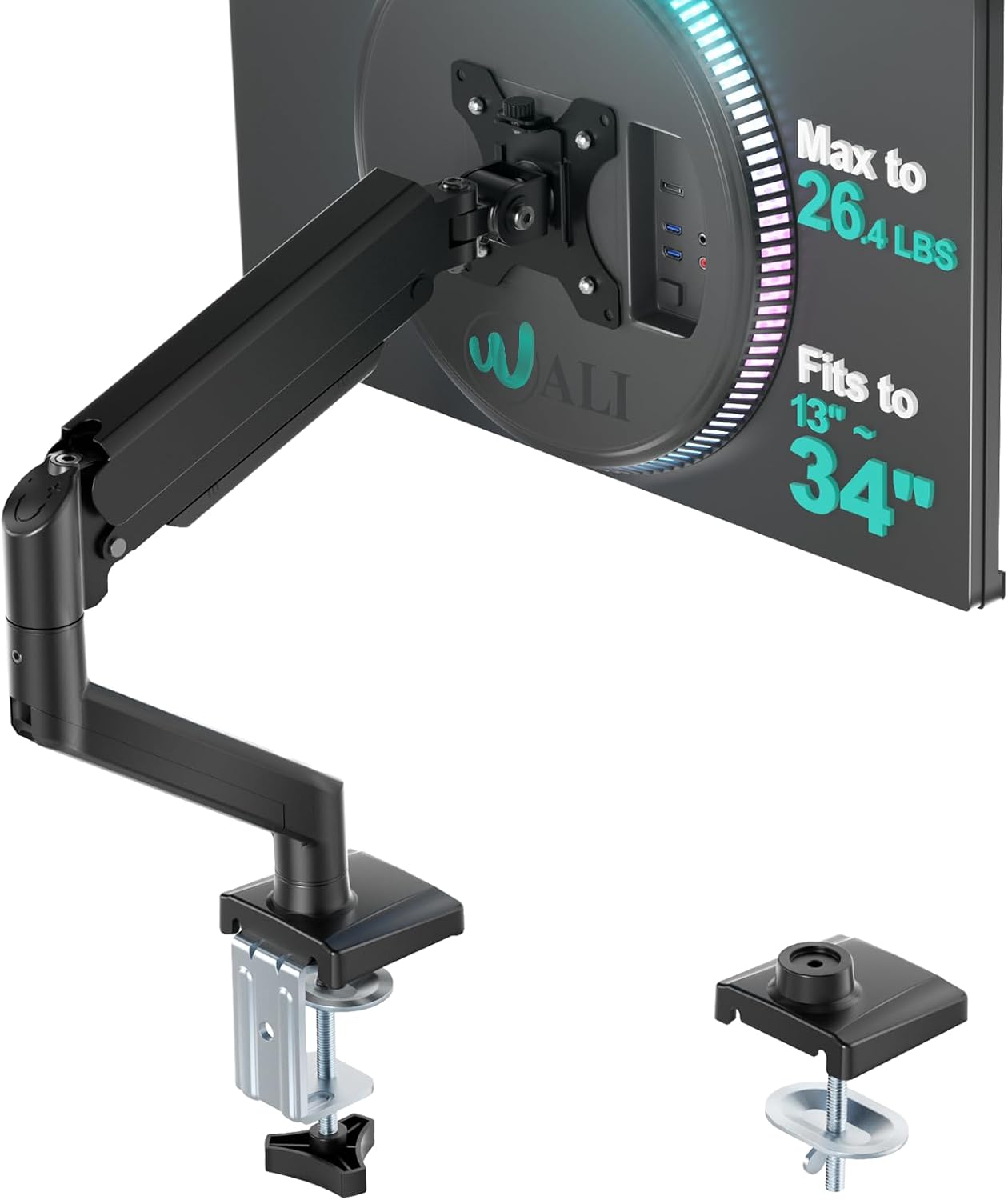
A monitor stand can take up a lot of valuable desk space.
A monitor arm can help by:
- Creating more room for your keyboard and mouse
- Allowing easier screen adjustment
- Making your desk look cleaner
For small gaming rooms, this is one of the easiest upgrades to improve organization.
Popular Monitor Arm Options:
- Single monitor arms
- Dual monitor arms
- Gas spring monitor mounts
3. Improve Cable Management
Messy cables can make even a good gaming setup look unorganized.
Simple cable management accessories include:
- Cable clips
- Cable sleeves
- Under-desk cable trays
- Velcro straps
A cleaner desk can make your room feel more spacious.
4. Add Lighting Without Taking Too Much Space
Lighting can change the atmosphere of a gaming room without requiring major changes.
Popular options include:
- LED light strips
- RGB desk lamps
- Monitor backlights
- Smart lighting
The key is keeping lighting balanced so the setup stays comfortable for long gaming sessions.
5. Pick Space-Saving Gaming Accessories
Small rooms benefit from accessories that provide more function without taking extra space.
Examples:
Headphone Stand
Keeps your headset organized and off the desk.
Compact Keyboard
A smaller keyboard can provide more mouse movement space.
Wireless Accessories
Reducing cables can make a setup feel cleaner.
6. Use Wall Space
When floor and desk space are limited, vertical storage can help.
Ideas:
- Headphone wall mounts
- Controller holders
- Floating shelves
- Display shelves
Using wall space can make your setup more organized without making the room feel crowded.
7. Create a Comfortable Gaming Chair Area
A comfortable chair is important, especially for longer gaming sessions.
Look for:
- Good back support
- Adjustable height
- Comfortable seating
- Suitable size for your room
A smaller gaming chair or ergonomic office chair can be a better choice for compact spaces.
8. Keep Your Setup Simple
A common mistake is adding too many accessories at once.
A great small-room setup usually focuses on:
- Comfortable desk
- Good monitor
- Reliable keyboard and mouse
- Clean cable management
- Comfortable lighting
A simple setup can still look professional and enjoyable.

- Iconic Monkeybomb Design: This officially licensed Call of Duty collectible features the legendary Monkey Bomb character…
- Dual-Purpose Controller Holder: Heavy-duty PVC construction with a sturdy base securely holds gaming controllers, smartp…
- Universal Device Compatibility: Grips most gaming controllers including PlayStation 5 DualSense and Xbox Series S/X, plu…

- Master Chief ready for action: This iconic Halo character stands eight inches tall in his signature green armor, poised …
- Heavy duty construction: Sturdy PVC figure with reinforced circular base designed to securely hold phones, controllers, …
- Versatile device holder: Easily accommodates most smartphones, Xbox and PlayStation controllers, business cards, eBook r…

- RGB Light Modes & Memory Mode – Switch 9 lighting effect modes by pressing the button. It contains 7-color fast flashing…
- Stable & Anti-Slip – The controller stand has a stable base. It will not easily tip over when the controller is not on i…
- Practical 3-in-1 Storage – This headphone stand can store 1 headphone and 2 controllers at the same time, compatible wit…
Final Thoughts
Creating a gaming setup in a small room is about using your space wisely.
The best setups are not always the biggest ones. A well-organized desk, comfortable accessories, and thoughtful placement can make a small room feel like a dedicated gaming space.
Start with the upgrades that improve your daily experience, then slowly build your setup over time.
Related Articles
- Best Gaming Laptops for Beginners
- Best Gaming Accessories to Upgrade Your Setup
- Best Gaming Monitors for PC and Console
- Best Desk Accessories for Gamers
Affiliate Disclosure
Some links on Game Gear Vault may be affiliate links. If you purchase through these links, we may earn a small commission at no additional cost to you. This helps support our website and allows us to continue creating helpful gaming content.